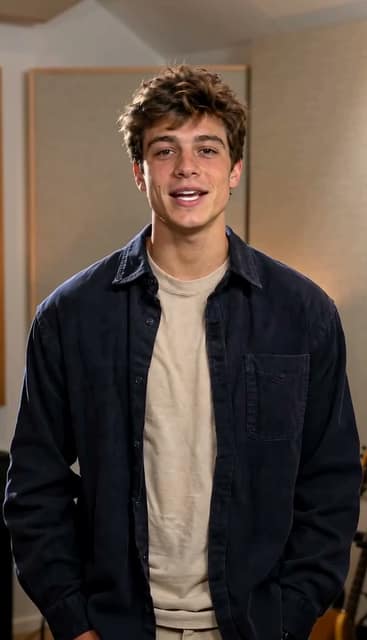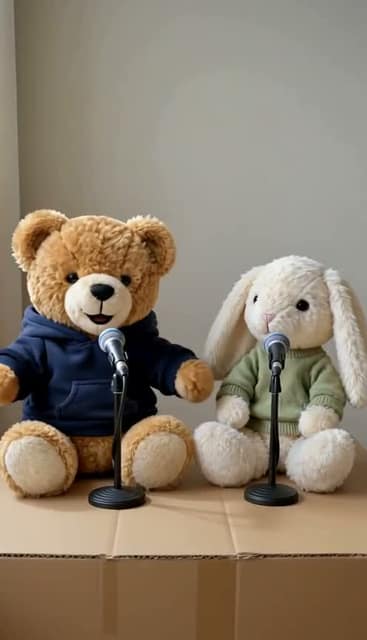

How it works

Your photos.
Your next rap video.

Use a ready-made template, create a rap, or turn a saved song into a video. Here’s how to get started.

Make a template video

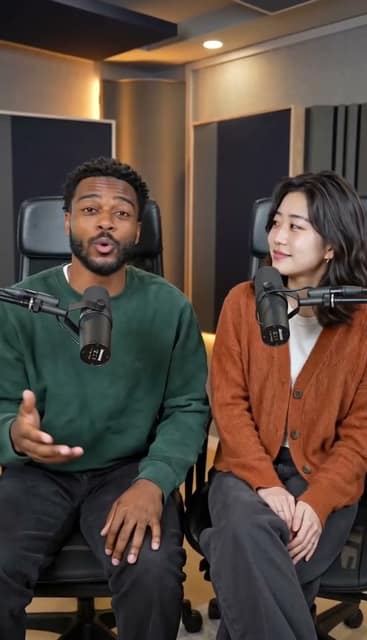
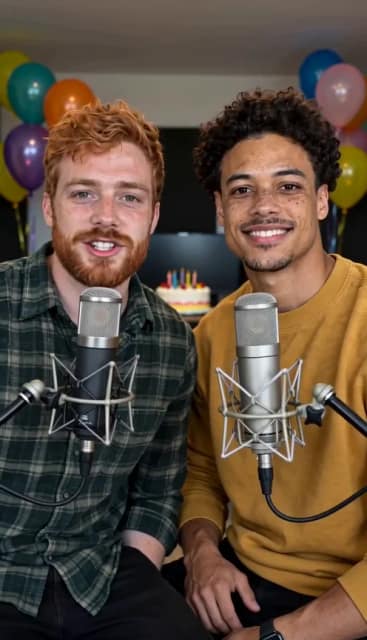
The scene and music are ready. Just add your photos. This example shows Friends on the Mic; press play to hear the included soundtrack.

  1. Preview a template

    Play a sample to find a scene and song you like. Check whether it needs one photo or two, and choose people, pets, or toys.

  2. Add your photos

    Add one clear photo per performer, or two different photos for a duo. Make sure you have permission to use them.

  3. Check the cost and create

    Sign in and check the cost. A 480p video costs 100 credits. The template’s music is included.

  4. Watch it come together

    Watch the progress here or check My videos later. Most videos take 6–12 minutes. Once yours is ready, you have 24 hours to download it.

Use this template
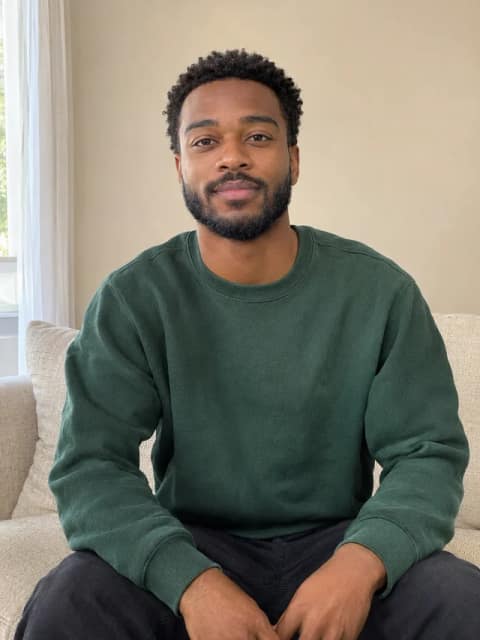
Source photos
Original portrait of a man in a green sweatshirtOriginal portrait of a woman in a rust cardigan
Video
Same crew, new beat, video preview

Same crew, new beat · Template preview

Create your own rap

Buy Creator or Studio once to unlock custom music for good. Each new creation uses credits.

  1. Describe your idea

    Tell us what your rap is about. Pick a theme or try Surprise me, then add the details that make it yours.

  2. Pick your voices

    Choose Solo or Duo and the voices you want. We’ll write the lyrics and shape the rap around your idea. You don’t need to write or paste in lyrics.

  3. Generate and listen

    Creating music costs 10 credits each time, even for a new take on the same idea. Follow the progress, then press play when it’s ready.

  4. Save it or make a video

    Your rap will be in English and up to 15 seconds long. Use it in Custom video, or download it from My music within 30 days.
Create a rap

Turn your music into a video

Creator and Studio also unlock custom videos. Making a video has its own credit cost.

  1. Choose your music

    Make a new rap or pick a saved track. Give it a listen first. Reusing a song won’t cost you any extra music credits.

  2. Choose a scene

    Choose people, animals, or toys, then pick a scene that fits your song. Videos are vertical, in 9:16 format.

  3. Add performer photos

    Your song sets the number of performers. Add a photo to each slot and confirm you have permission to use it. Check your song, clip, and scene before you start.

  4. Generate your video

    Check the video cost, then start creating. Follow along here or in My videos. Download your video within 24 hours after it’s ready. Music and video are charged separately.

Create a video

Who’s taking the mic?

Preview a real performance, then open its template to make your version.

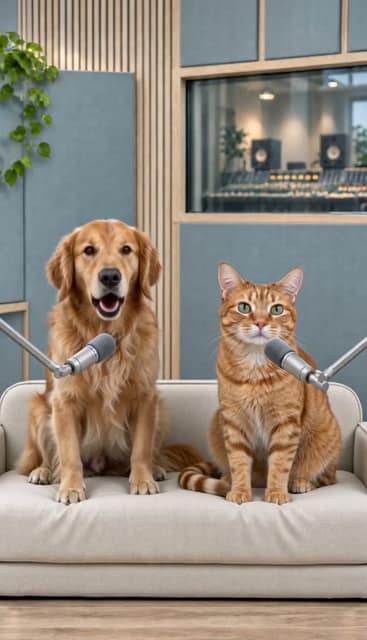
Good dog, boss cat, video preview
2 performers

Pet Mic Drop

Give your pets their own performance.

Shelf stars, video preview
2 performers

Teddy Takeover

Turn your favorite toys into a duo.

Browse all templates

Find your answer.

Help with photos, music, credits, and your finished creations.

21 answers

Where should I start?

Start with a template you like. The scene and music are ready—just add your photos, check the credit cost, and create your video. Want to make your own song and pick a scene? A Creator or Studio purchase unlocks both.

Browse templates
What’s the difference between a template and a custom video?

With a template, the scene and music are already picked out. You add the photos. With a custom video, you choose one of your songs, pick a scene, and add your photos. A template’s soundtrack is included in the video cost.

Make a custom video
Who can generate custom music and videos?

Buy Creator or Studio once to unlock custom music and videos for good. There’s no subscription, and each new creation uses credits. Starter doesn’t include this access. You can try the settings before you buy.

Compare packs
Do I have to buy Creator every time?

No. Buy Creator or Studio once, and custom music and videos stay unlocked. After that, you can add credits with any pack, including Starter. Each new song or video still uses credits.

How many photos do I need?

Use one photo for a solo or two different photos for a duo, with just one person, pet, or toy in each photo. Add a photo to every slot before you start. You can’t use the same photo twice.

Choose a template
Which photos work best?

Choose a clear, well-lit photo with the face easy to see. Skip group shots, heavy filters, sunglasses, and cropped faces. Use JPG, PNG, or WebP files up to 8 MB, at least 340 pixels wide and tall. Make sure you have permission to use the photos.

Can I create with pets or toys?

Yes! Pick a pet or toy template and add your photos. For a custom video, choose People, Animals, or Toys to see matching scenes. Use photos that match your choice.

Explore pet templates
Will the result match the sample exactly?

Not exactly. The sample gives you a feel for the scene and performance, but faces, movements, and lip sync can vary. Watch your finished video before sharing it. Making another version uses credits again.

How do I generate a rap song?

Open Rap music and tell us what your rap is about. Pick a theme or try Surprise me for an idea, then make it your own. Choose Solo or Duo and your voices. We’ll write the lyrics and create the rap. You’ll need a Creator or Studio purchase to generate it.

Open Rap music
Can I enter lyrics, choose a style or set the duration?

We write the lyrics for you, so there’s no field for your own lyrics or separate style and mood settings. Add any preferences to your song description. Songs are in English and last up to 15 seconds; longer recordings may be trimmed. The voices may not switch exactly where you expect, even in a duet.

How do I turn my song into a video?

Open Custom video and make a rap or pick a saved track. Then choose people, animals, or toys, pick a scene, and add one photo per performer. Your song sets the number of performers. Confirm you have permission to use the photos, check the video cost, and start creating. New music and videos use credits separately.

Create a custom video
How many credits do I need?

A template video costs 100 credits at 480p. Creating music costs 10 credits per attempt. Custom videos have a separate cost, which you’ll see before you start. Each new creation uses credits.

View prices
Do I pay extra for template music or a saved song?

No. The template soundtrack is included, and you can reuse a saved song without paying for the music again. Making a new song costs 10 credits each time, even if you use the same idea. You’ll still pay the video’s credit cost.

Are credit packs subscriptions?

No. Each pack is a one-time purchase with no automatic renewal or bonus credits. The video counts on the pricing page show how many template videos you can make if you spend the whole pack on videos. If you spend some credits on music, you’ll have fewer left for videos.

Compare current packs
How do I follow generation progress?

The progress window opens when you start. It shows what’s happening, including photo preparation and uploads before the video is generated. When a progress percentage is available, you’ll see it there too. Leave the window open, close it when you’re ready, or check My videos or My music later.

Open My videos
How long does it take, and should I submit again?

Videos usually take 6–12 minutes, and music can take a few minutes. Some take longer. If yours is still in progress or we’re checking its status, wait for an update. Starting another song or video creates a separate request and uses more credits.

What happens if a generation fails?

If we confirm that a song or video failed, we return the credits held for that step automatically. If your song finished but the video failed, only the video credits come back. When the result is still unclear, we keep the credits on hold while we check. Contact support with your task ID before trying again.

Why was my request blocked before generation?

We check each request before creating anything. If it doesn’t pass, needs a review, or can’t be checked right now, generation won’t start. Follow the message on screen to see what to change or when to try again. Credits held for a confirmed failed step are returned.

Where can I find and download my results?

Sign in to the account you used to create them. Your videos are in My videos, and your songs are in My music. Download videos within 24 hours and music within 30 days after they finish. The history stays, but the files won’t be available forever.

Open My videos
I paid, but my credits or access are missing. What now?

Make sure you’re signed in to the account you used to pay, then refresh Credits & billing. Custom music and videos unlock after a completed Creator or Studio purchase; Starter packs only add credits. If something’s still missing, send support your order ID. Don’t pay again for the same purchase.

Open Credits & billing
What should I send to support?

Send your account email, task or order ID, what you were trying to do, and any error message. A screenshot helps too. Leave out passwords, API keys, and full card numbers.

Contact support

Still need a hand?

Tell us what happened and which step you reached. Include a task or order ID so we can look into it.

Email support[email protected]

What to include

  • Your account email
  • The template name and task or order ID
  • The error message, or a screenshot of the issue

Never send passwords or full payment card details.